What are the apps to download when going to Korea?
When traveling to South Korea, knowing which apps are the best to use on your smartphone is essential for making your trip as smooth, enjoyable, and stress-free as possible. Of course, you’ll need an internet connection to use them, which you can get by renting a pocket WiFi or getting an eSIM.
Few people know that the same apps widely used in Europe or the US are not as common in Korea.
In this guide, you’ll discover the must-have apps to have on your smartphone when traveling to South Korea, whether you’re visiting for a trip or moving there to study or work. From getting around and making payments to finding restaurants, there’s literally an app for almost everything.
The apps I recommend below are the most useful and essential ones to have, so you can avoid going through the same trial and error I did on my first trip to South Korea.
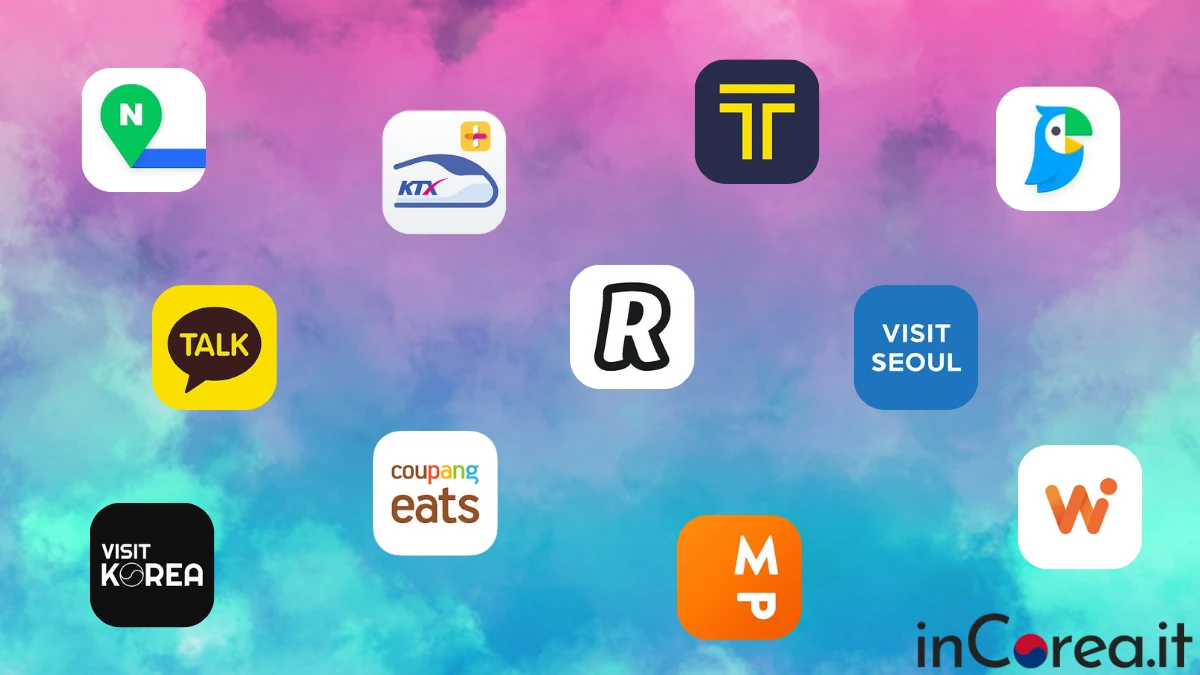
Some will be essential for everyone (Trazy, GetYourGuide, Naver Maps, Seoul Subway, Uber, Papago, and Revolut), while others will only be useful if you use specific services. For each recommended app, I’ll provide a brief description along with links to download it from the Google Play Store for Android devices and the App Store for iPhone.
Apps for commuting
Naver Maps: this is by far the very first app to download when traveling to Korea. As many already know, Google Maps in Korea is not updated either for public transportation or for points of interest. Naver Map will be your personal navigator throughout your trip. Just enter your departure and destination, and it will provide the best route with up-to-date public transportation schedules. You can also download Kakao Map, but it is more difficult to use since it has less English support. Naver Maps is also great for finding restaurants and checking their reviews.
Seoul Subway: the brand-new official Seoul subway app. It provides real-time train information, notifications about the operation of all lines, and maps of all routes.
Korail+: the official app of South Korea’s main railway operator. If you need to book train tickets, check routes and schedules, or simply find information about traveling between cities across the country, Korail+ is the app for you. The app can be set to English. Personally, though, I recommend booking your train tickets through the Korail website on a computer, as it’s easier to use.
Uber: one of the easiest and most convenient apps for getting around South Korea by taxi. You can use the service in all major cities, and fares are generally comparable to regular taxi rates, making them very affordable compared with many other countries. With Uber, you can book both regular taxis and standard Uber rides. A must-have app for your trip to South Korea!
Kakao Taxi: South Korea’s local alternative to Uber. If you need to take a taxi, Kakao Taxi can help you avoid communication issues with drivers, who often don’t speak English. If you don’t have a Korean phone number, remember to select the option to pay the driver directly.
Apps for experiences, tickets, guided tours, attractions
Trazy: when planning your trip to Korea, it’s very important to book activities in advance to avoid sold-out situations and long queues once you’re on site. Whether you need a private airport transfer, tickets for Seoul Tower, a guided tour to the DMZ, or simply sightseeing tours, Trazy is the best app to use, and it’s 100% a Korean service. Ticket prices are always lower than buying on the spot. I recommend making a “substantial” first purchase by including several services in the same order, so you can take advantage of the welcome discount code for first-time users.
GetYourGuide: offers very similar services to Trazy but with different experiences. If you can’t find a specific activity on Trazy, you might find it on GetYourGuide, and vice versa. For example, tickets for the Sky Capsule in Busan can be booked on GetYourGuide but not on Trazy.
Revolut: if you have the Revolut prepaid card (highly recommended because it’s the only one that allows you to pay and withdraw money in Korea without paying any commission), the app will be extremely useful for managing all your transactions. For extra convenience, you can easily link it to both Google Wallet and Apple Pay.
WOWPASS: if you have purchased or plan to purchase the WOWPASS payment card and want to use it to its full potential, download the official app to check your balance and track all your transactions. (If you already have Revolut, you can skip buying it, since Revolut covers all payment needs.)
Before moving on to communication apps, let’s answer one of the most common questions: Does WhatsApp work in South Korea? The answer is yes. WhatsApp works perfectly in Korea, you just need a data connection via pocket WiFi or a Korean SIM card, exactly as in Europe.
WhatsApp will probably be the app you use the most to text and call your family and friends back home. Regular international phone calls are very expensive, but with WhatsApp everything is included in the data plan you purchased.
Papago: the Korean alternative to Google Translate, but much more accurate when it comes to the Korean language. Just like Google Translate, Papago can translate text, voice, and even photos, making it especially useful for menus, signs, or directions.
KakaoTalk: the most widely used messaging app in South Korea, equivalent to WhatsApp in Europe or the US. If you plan to make local friends, communicate with Korean contacts, or use services that require a local app, KakaoTalk is essential.
VISITKOREA: the official app of the Korea Tourism Organization. It works as a complete travel guide with suggested itineraries, detailed information on attractions, cultural sites, and events all across South Korea.
Visit Seoul: the official app of the Seoul Tourism Organization. It provides comprehensive details on the city’s main attractions, points of interest, festivals, and recommended things to do in Seoul.
IQAir AirVisual: air pollution levels in South Korea can be quite high at certain times of the year. I recommend using this app to keep an eye on air quality so you know when it’s a good idea to wear a mask outdoors, keep your windows closed, and so on.
Coupang Eats: a food delivery service with an English-language app that lets you order food straight to your door. You can also order products from convenience stores. Mainly useful for longer stays in South Korea.

 Italiano
  English